

Voicemod – AI Voice Changer & Soundboard for Gaming, Streaming and Online Communication
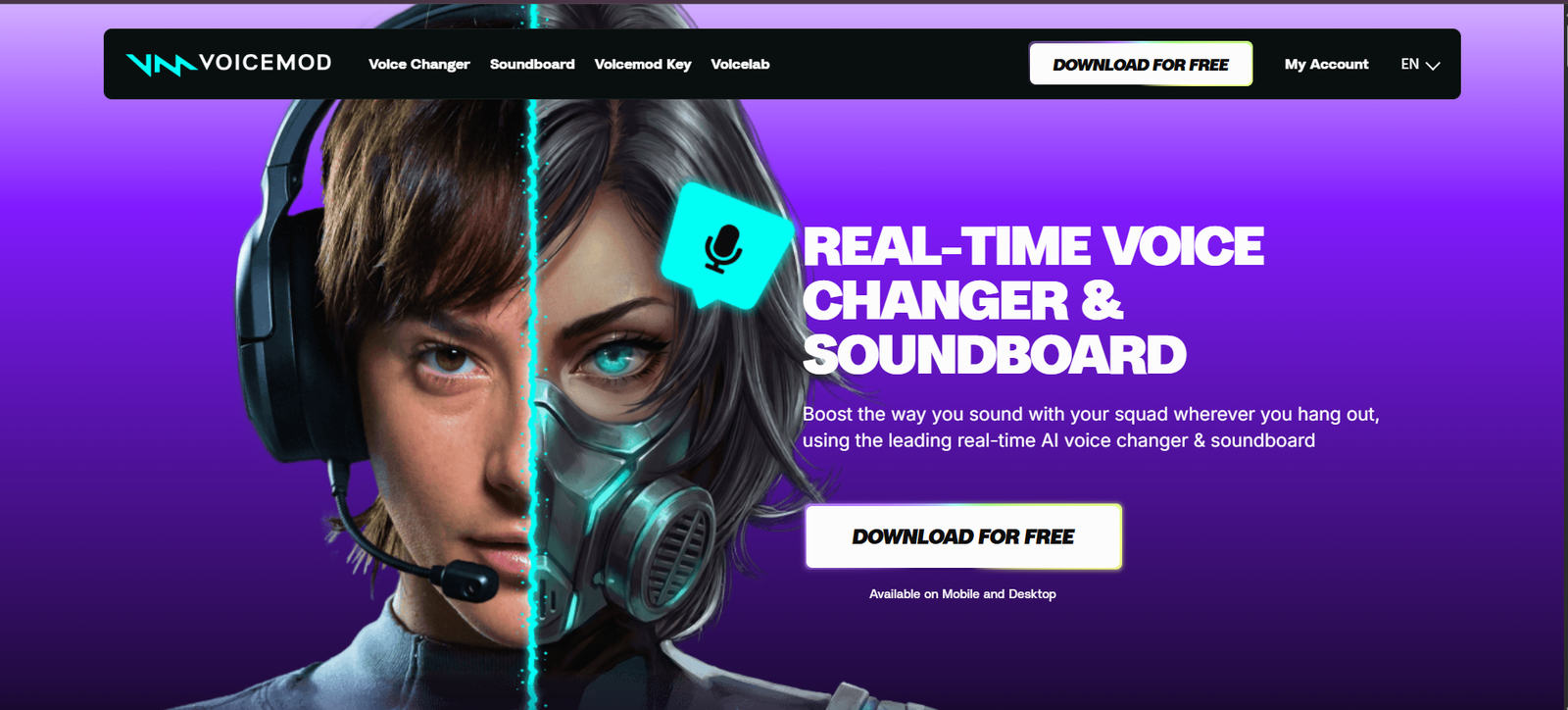
About this Tool
With the assistance of AI, end-users can alter their voice, modification tone and sound effects real-time when using a regular chat, or live streaming mode, while also shifting the tone of their play sound effect. It provides gamers, streamers and content creators to have a single app with voice transformation, sound effects, and various customization options and sounds made by the community.
What is Voicemod?
Voicemod is an instant voice changing tool that can modify the voice of your player while playing, voice chat, streaming or online meetings.
It does this through a virtual mic that will get audio, simulate audio then transmit it to other programs. The voices are created by AI, and users can choose to apply a range of classic audio filters, effects or even create their own voices with the VoiceLab editor.
Can play applications like Discord, OBS, Twitch, several Multiplayer games. It is included in The Desktop version, and has ‘mobile soundboard’.
All of the most necessary features of Voicemod.
- Real-time AI Voice Changer: alter voice to make it different characters, personalities and voices when you talk in real-time.
- Official Voices: 200+ voices—Readymade voices: Robotic, Anime style, Fantasy, Radio and Character effects.
- Community Voice Library: explore thousands of Voices & Sound Effects, made by Users in theVoicemod Community!
- Create distortion and delay effects and superimpose them on audio, add reverb and create voices of your own with them etc.
- Soundboard: Play memes, sound effects, songs and create custom sounds when playing games or livestreaming.
- AI Voice Technology: With improved adjustments for aesthetics and retain the natural voice sound using AI voice models.
- Voice Enhancement: Internal voice enhancement and/or voice/noise cancellation to improve the voice of the microphone.
- Record audios from a variety of sources and add to user defined segments of sounds, blocks of sounds, provided by the Instant Replay and Recorder.
- Custom Keybinds: Assign to your keyboard keys voices, and SFX to quickly switch between sounds.
- A plethora of different software options are supported for streaming such as OBS, Twitch, Stream Deck and more.
How Voicemod Works
- Download Voicemod: Download an application that will allow the computer to work with it.
- Configure your microphone: Ensure that your voice is from the Virtual Microphone as you configure your microphone in your game or communicator.
- Select a voice: Experiment with the AI voices, voice filters and sound effects.
- Use Voicelab to create and edit audio in a variety of ways such as using pitch, effects, etc.
- Talk just as you do normally – it will compress and be sent to the person.
Use Cases
🎮 Gaming and Communication
In multiplayer, gamers can constantly switch their voice and you’ll discover that the same voice is also obtainable in RPGs and even Discord chats.
🎬 Live Streaming
Utilize the character voices, sound results and audio reaction for fun broadcasts for the streamers.
🎭 To voice your roleplaying character!
Storytellers/voice actors get to try out voice acting for characters and/or narration.
😂 Memes and Entertainment
Users can listen to and play funny clips, sound effects or make sounds in conversations with friends.
🎙️ Audio Customization
Users can tweak the amount of microphone when it really starts to sound are looking to try out elements begin by using sound effects on their voices and even modify their special features.
📹 Content Creation
Users can personalize other sound effects and voices, suitable to the gaming videos, reaction videos and other digital content.
Pricing
Voicemod is free to use (freemium).
Unlock: Unlocks a set of voice effects when rotated, as well as unlocks basic soundboard, keybinds and microphone enhancement.
Furthermore, under the umbrella of Voicemod PRO, you can have access to all the 200+ Official voices, Voice customization, more sound board options (officials), and more premium features.
The opportunities provided to PRO are numerous, and can be monthly, annual and/or lifetime offers provided for (as available). The price will differ, depending on region and promotion, please check the official price on Voicemod’s site.
Positive aspects of the use of Voicemod.
Voicemod will allow to manipulate a voice’s sound in real-time, without requiring having to use a professional recording setup and editing program. Adding voice effects to different apps with the help of this virtual microphone and having the added power of the customization of voice editor and soundboard allow for extra creativity.
How did you make the decision to enroll in Voicemod?
- Facilitates classic audio transformations together with AI voice changes.
- Supports all gaming activities, messaging and streaming software.
- Provides a huge library of official and community generated voices.
- Offers flexible environment to the users to create voice in Voicelab.
- Uses Microphone Enhancement & Soundboard effect
For whom Voicemod is?
Voicemod is perfect for all streams, YouTubers, Voice actors, RP (role playing) communities, podcats and gamers who need to switch up their voice and want an awesome and interactive Audio setup.
Final Verdict
Voicemod is not only a voice changing tool, but it’s an AI-powered tool to enhance audio processing! While the AI-driven real-time voice generation is highly advantageous for gamers and content creators, the flexibility of the effects, soundboards is also conducive to the platform. In general, it’s a superb option for anyone who wishes to make online communication more expressive and fun.
Tool support
- Website https://www.voicemod.net/
⚡ Alternative Tools
View More Tools
OpusClip –...


ProSetting...

Overwolf –...

Trophi.ai ...

Omnic.AI –...

Mobalytics...

HakkoAI – ...

GameGuide AI

GPT Games AI

Rizz GPT AI

List Your AI Tool and Reach Thousands of AI Enthusiasts
Showcase your AI product to a growing community of developers, creators, and tech-savvy users. Whether it's a productivity tool, image generator, chatbot, or automation tool — gain visibility, feedback, and users by featuring it on our platform.
Submit Your Tool